Office buying guides for Backpacks for Work, Colored Pencils, Ergonomic Desk Chairs and more, each from a real TwelveTabs search of Amazon: we read the top listings and their reviews, rank them by fit, rating, reviews and what sold last month, and pick a winner you can re-run yourself.
How to choose for your office
Office gear is about your body, your desk and how much you will use it. The advice below comes from the sources our guides read, such as Wirecutter, WIRED, Popular Mechanics, Fellowes and TechGearLab. Each topic links to the full guide.
Set it to your own height. Wirecutter says to divide your height in inches by 2.5 for your sitting desk height and multiply it by 0.6 for your standing height, and WIRED says the goal is to get a laptop screen as close to eye level as possible.
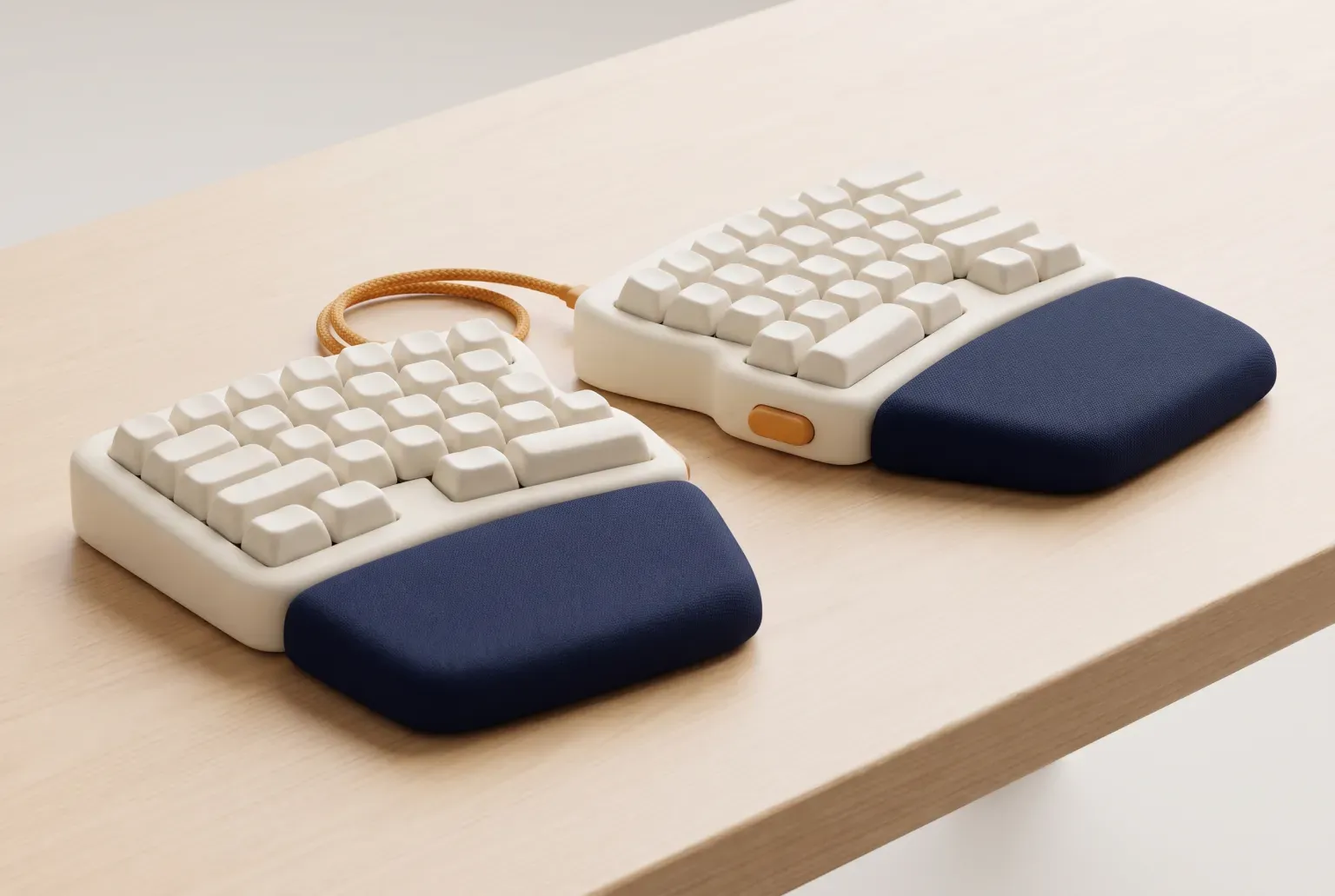
Give a new setup time. Popular Mechanics says not to expect to type at full speed right away on an ergonomic keyboard, and suggests using it for about 30 minutes a day at first.
Trust measured capacity over the box. TechGearLab says accurately reported capacity is crucial for a shredder, because an overloaded one can pass paper through as readable strips instead of jamming.
Standing desks
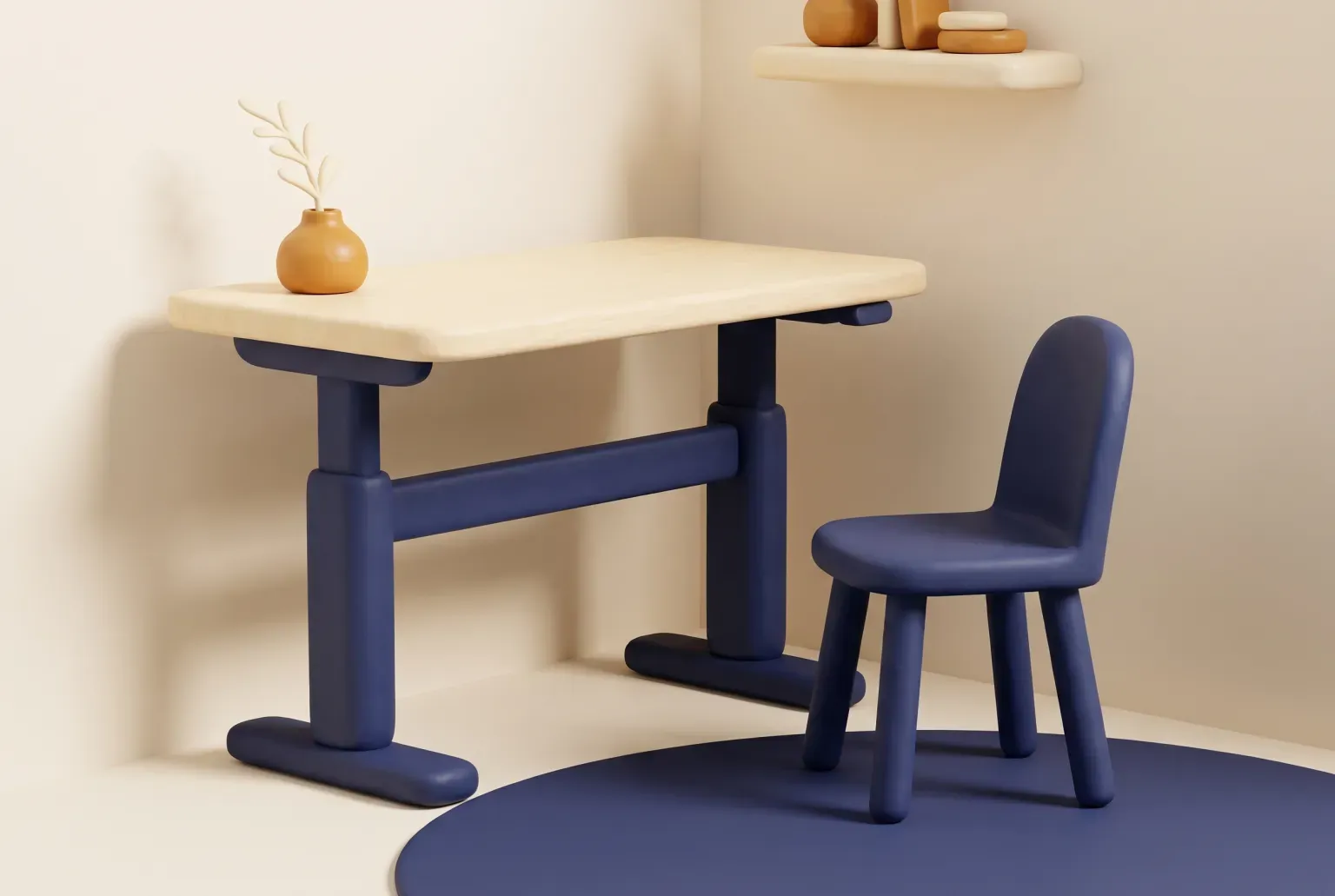
Wirecutter says electric desks are the most convenient and reliable, and that a solid one-piece top is more stable than the split top most lower-priced desks use.
It puts a typical setup, with several monitors, a tower PC and speakers, at about 100 lb, and looks for at least a five-year warranty.
What to skip: Hand-crank desks. Wirecutter does not generally recommend them, because they can have load-balancing problems and make you less likely to switch positions.
Popular Mechanics suggests trying a more approachable wave design before committing to a full split.
It found that a split keyboard with tenting risers let its writer find the most natural hand position, with the wrists in line with the forearms and the elbows near 90 degrees.
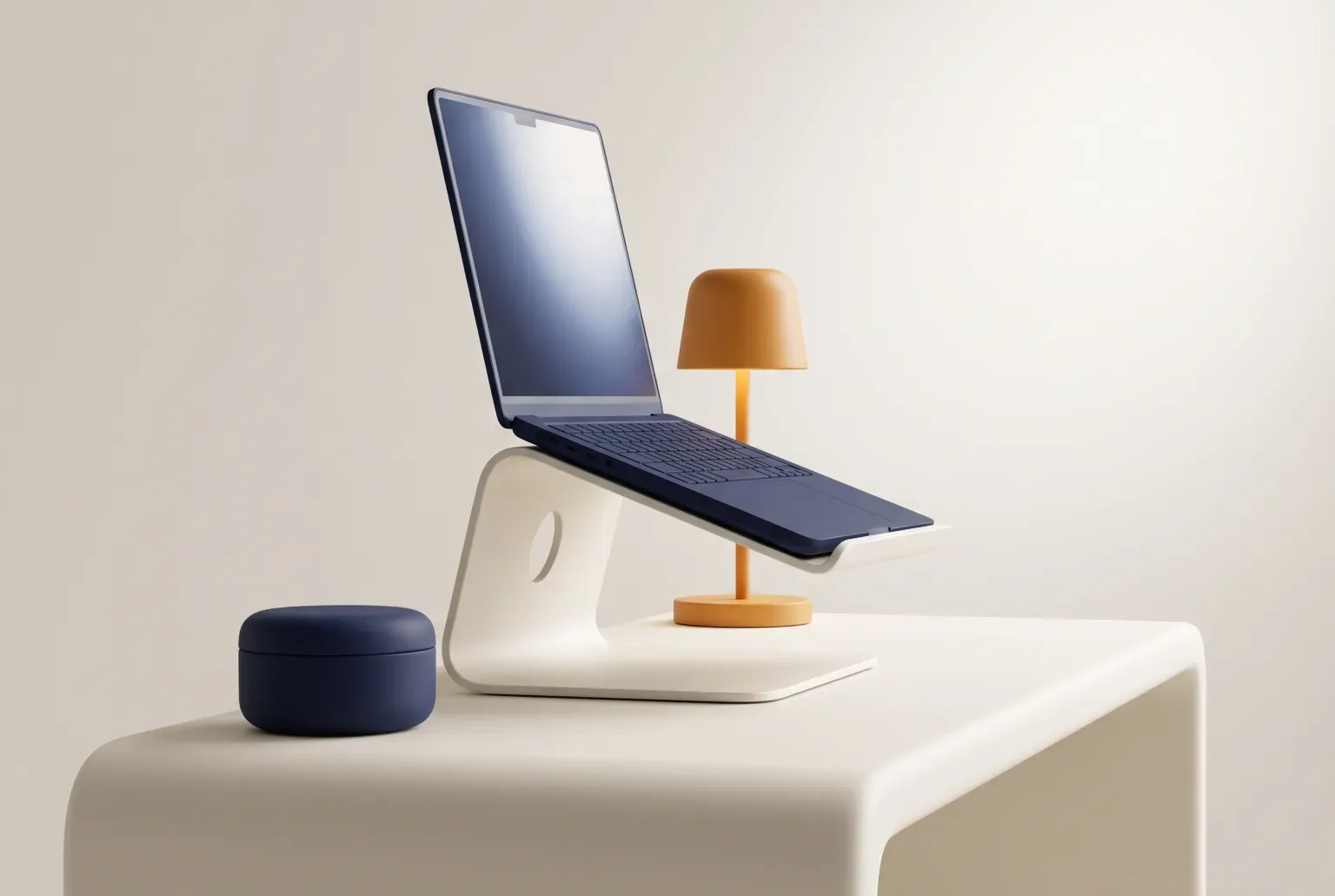
WIRED says most people benefit from an adjustable stand, and that a sit-stand desk calls for a stand that works in both modes.
It says portable stands tend to be light and wobbly if you type directly on the laptop, and that experts advise an external keyboard and mouse with any stand.
It says aluminum models are generally lightweight and good at heat dissipation, while steel is sturdier but heavier.
Fellowes lists strip-cut as basic security for junk mail, cross-cut as higher security for confidential papers in a home office, and micro-cut as ultimate security.
It calls paper jams the number one frustration and suggests looking for anti-jam features, and says a home shredder can be a hazard to children and pets.
Tom's Hardware says productivity mice are about comfort and convenience, while gaming mice chase speed, very low latency and pinpoint accuracy.
ZDNET says a silent mouse lets you click and scroll without a constant tapping that can grate on coworkers or housemates, and that silent mice are often smaller than conventional office mice.